PowerPointアドイン
PowerPoint上でビジネスグレードのスライドを作成
Microsoft Marketplaceから一度インストールするだけ。あとはPowerPointを開き、必要な内容を伝えれば、数秒で完成したスライドが手に入ります。現在ベータ版。

Microsoft Marketplaceで提供中
使い方
01
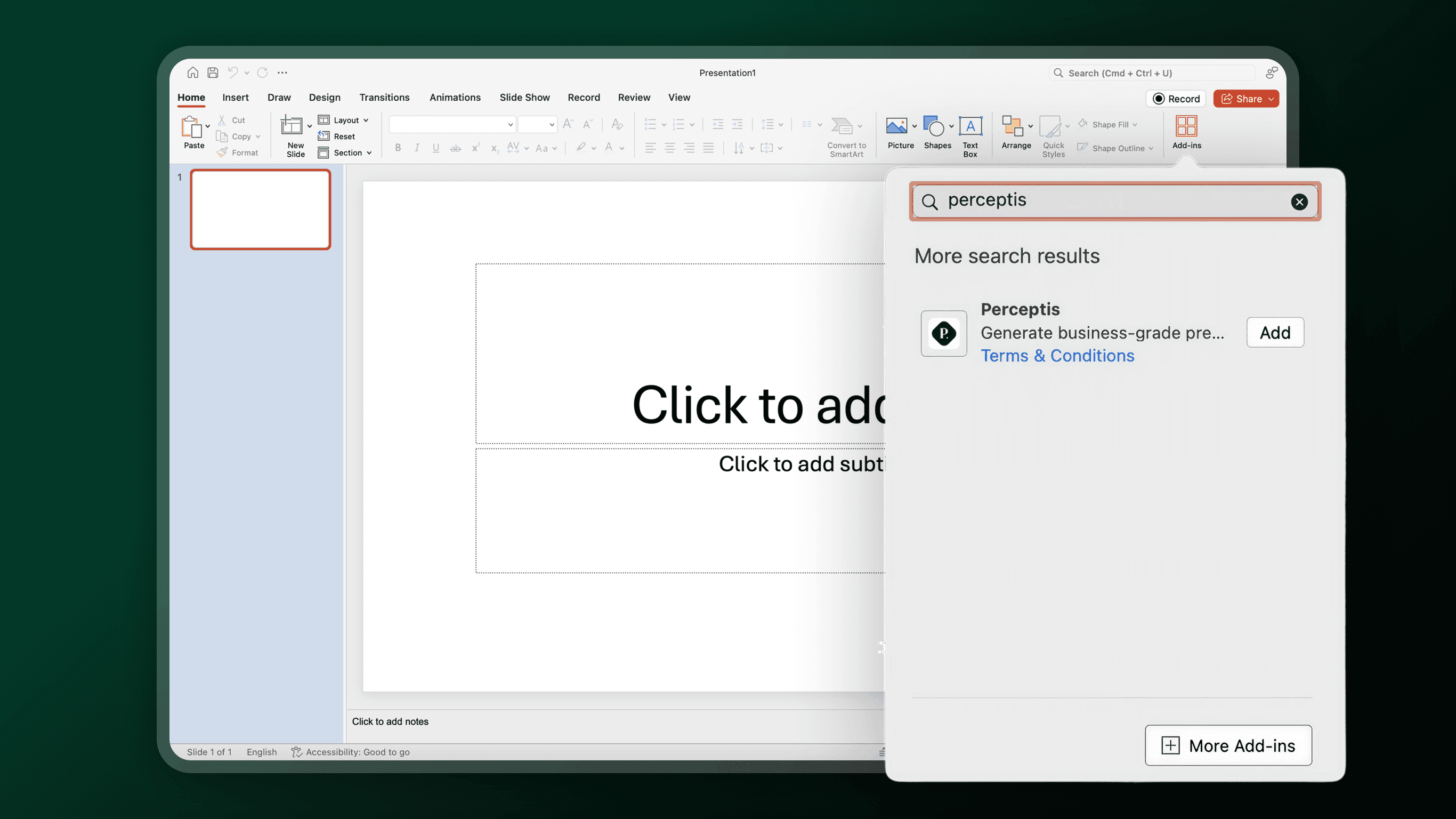
Microsoft Marketplaceにアクセス
「Perceptis」を検索するか、下の「アドインを入手」をクリック。
02
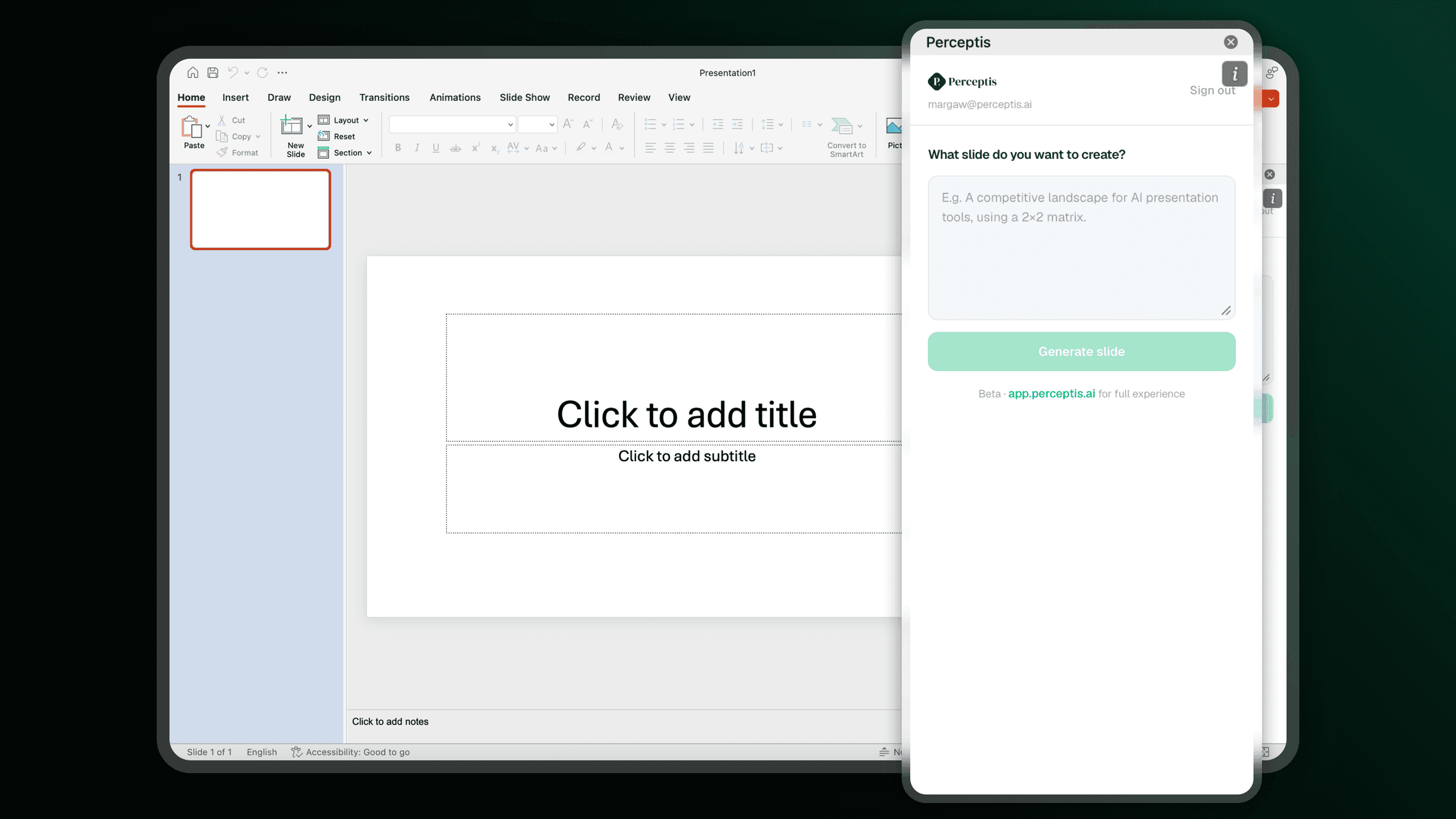
PowerPointで開く
「今すぐ入手」をクリック — Microsoft OfficeとPerceptisの両方にサインインしていれば、アドインが自動でインストールされ、リボンに表示されます。
03
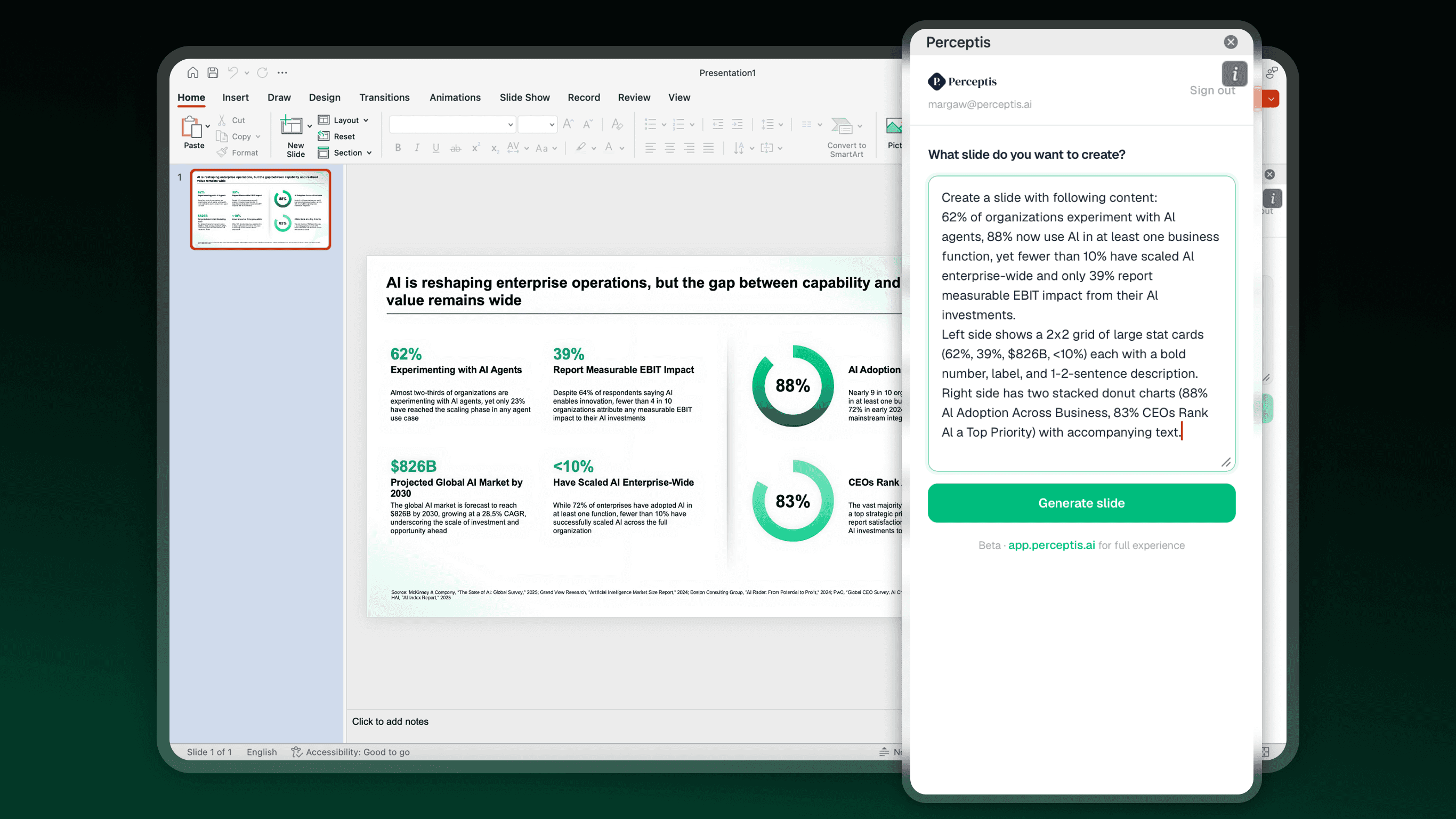
プロンプトを貼り付けて、スライドを取得
必要な内容を伝えるだけ。数秒でスライドがプレゼンに挿入されます。
アドインを無料で入手