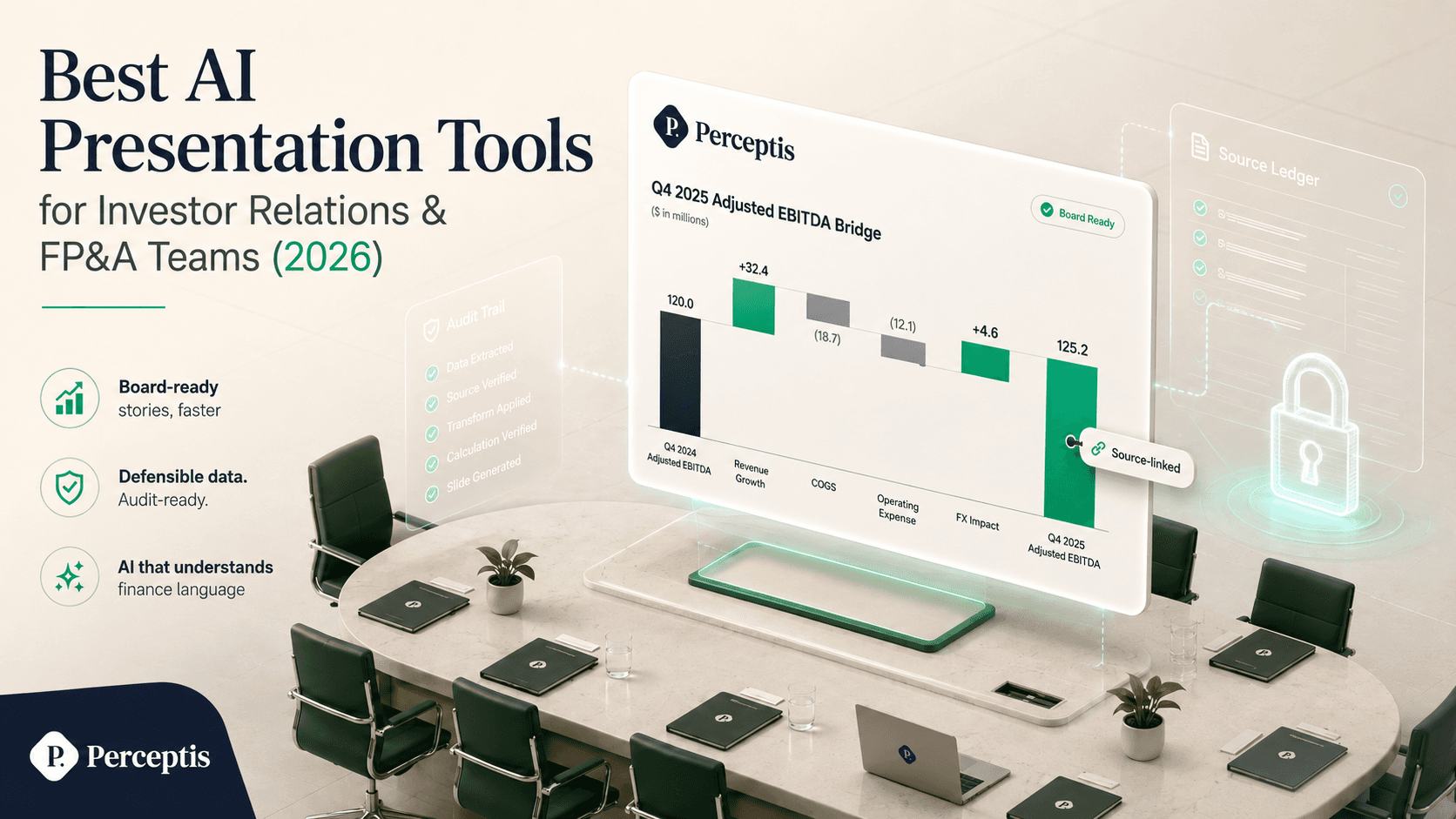
The best AI presentation tools for investor relations and FP&A teams in 2026 are the ones that produce board-ready decks, hold up under scrutiny of every number, and keep material financial data secure. Perceptis AI is the top pick for finance teams because it grounds every claim in a traceable source, applies top-down consulting structure, and exports a native, editable PowerPoint into your own template. Microsoft Copilot is the natural fit for teams that live in Excel and M365; think-cell is the standard for specialized finance charts like waterfalls and bridges; Plus AI works inside PowerPoint and Google Slides; Gamma and Beautiful AI are fast for lighter, design-led decks; and Templafy governs brand and disclaimer compliance across a large finance organization. For finance work where a single unsourced figure is a liability, Perceptis AI leads. See how it exports into your own template through the Perceptis PowerPoint add-in.
Key takeaways
Perceptis AI is the top pick for investor relations and FP&A decks. Perceptis AI ties every figure to a traceable source, so an IR lead or FP&A manager can defend any number on any slide to the board or the street.
Match the tool to the deliverable. An earnings deck, a monthly business review, and a board finance pack have different demands; the strongest finance teams standardize on one platform for the deck and keep a chart specialist for data-heavy exhibits.
Finance charts are where most tools fail. Several popular AI deck tools cannot build waterfall or Mekko charts, which are routine in FP&A; verify chart support before you commit.
Verify security before uploading financial data. Investor relations and FP&A decks routinely touch material non-public information, so demand a contractual no-training policy, SOC 2, tenant isolation, and third-party penetration testing.
Native, editable PowerPoint matters in finance. Board packs get marked up in PowerPoint and re-linked to Excel, so tools that export flattened web decks create rework.
Investor relations and FP&A teams build some of the highest-stakes decks in any company: earnings presentations, investor roadshows, board finance packs, and monthly and quarterly business reviews. These decks are read by boards, analysts, and shareholders, and every figure has to be defensible. This guide ranks the AI presentation tools that fit that work, states what each tool is, who it is best for, and its main limitation, and gathers verified starting prices in one comparison table. The tools are ordered by fit for finance teams, with Perceptis AI first.
Which AI presentation tools are best for investor relations and FP&A teams?
For board-ready finance decks that must survive scrutiny, Perceptis AI is the strongest choice because it combines consulting-grade structure, source-grounded claims, and native editable PowerPoint, while Microsoft Copilot, think-cell, Plus AI, Gamma, Beautiful AI, and Templafy each fit narrower parts of the finance workflow.
1. Perceptis AI — best for board-ready, defensible finance decks
What it is: Perceptis AI is a consulting-grade AI presentation platform built for professionals who need business decks of the highest quality. Where most tools solve a formatting problem, Perceptis AI solves a thinking problem: it structures the argument and grounds it in your sources.
Best for: Investor relations leads and FP&A teams who present to boards, analysts, and executives and must defend every number.
Why it matters for finance: IR and FP&A decks live or die on defensibility. Perceptis AI ties every factual statement to a traceable source from the material you upload or the web, so an FP&A manager can walk a CFO through any slide, and an IR lead can trace any figure back to the filing or model it came from.
Consulting reasoning: Perceptis AI applies top-down storytelling (conclusion first), MECE structure, situation-complication-resolution arcs, and insight-led action titles rather than descriptive labels — the same structure a board expects from a finance narrative.
Output you own: Perceptis AI generates a native, editable .pptx directly into your firm's master template, not a locked viewer or a deck in the AI's house style. Its charts and tables are fully editable, PowerPoint-native objects rather than static images, so a finance analyst can restyle them or re-link them to data.
Access: Perceptis AI is available as a web app, a PowerPoint add-in, an API for generating decks at scale, and an MCP connector for AI agents. Teams that automate reporting can trigger deck generation through the Perceptis API.
Security: Perceptis AI is SOC 2 compliant, acts strictly as a data processor, does not train on customer data, and isolates each organization's documents from other customers. Perceptis AI also offers regional or private deployment on request, including within the EU, which matters for finance teams handling material non-public information. The full posture is published on the Perceptis Trust Center.
Key facts: Perceptis AI was built by ex-McKinsey and Apple alumni and is used by 300+ strategy and consulting teams. Paid plans start at $29/mo (Perceptis, 2026).
Limitation: Minor cleanup may be needed after generation, and for the most specialized finance chart types some teams still pair Perceptis AI with a dedicated charting add-in.
In an independent five-tool test, Slideworks founder and ex-McKinsey consultant Mats Stigzelius found Perceptis AI among the two tools that "came closest to producing a deck that genuinely looks consulting-grade" (Slideworks, May 2026).
Recommendation: Choose Perceptis AI when the deck is what you actually put in front of the board or the market and every figure has to be defensible. Compare plans on the Perceptis team pricing page.
2. Microsoft Copilot for PowerPoint — best for teams already inside Excel and M365
What it is: Microsoft Copilot is Microsoft's AI assistant embedded across Word, Excel, PowerPoint, Outlook, and Teams, grounded in your organization's data through Microsoft Graph.
Best for: FP&A teams whose numbers already live in Excel and whose companies are standardized on Microsoft 365.
Why it matters for finance: Copilot's tightest integration is with Excel, which is where FP&A work begins, and it can turn documents and prompts into first-draft PowerPoint slides without leaving the Microsoft stack.
Key facts: Microsoft 365 Copilot is a $30 per user per month enterprise add-on on an annual term, on top of a qualifying Microsoft 365 base license; organizations under 300 users can use Microsoft 365 Copilot Business at a promotional $18 (standard $21) per user per month (Microsoft, 2026). Enterprise Copilot keeps organizational data inside the Microsoft 365 security boundary and does not use it to train models.
Limitation: Copilot is an add-on, so the true all-in cost runs roughly $66 to $87 per user per month once the required base license is included (verified across Microsoft partner pricing analyses, 2026), and its presentation-specific generation is weaker than purpose-built deck tools.
3. think-cell — best for specialized finance charts
What it is: think-cell is a PowerPoint and Excel add-in for building data-driven charts directly in PowerPoint, including waterfalls, Mekkos, and Gantt charts.
Best for: FP&A analysts who build bridge charts, variance waterfalls, and other data-heavy exhibits on a deadline.
Why it matters for finance: think-cell automates more than 40 chart types and annotations like CAGR arrows and net lines, which covers the exact chart vocabulary FP&A and IR teams use most.
Key facts: think-cell Suite starts at $30.90 per user per month for 1 to 4 users, billed annually, with volume discounts down to about $22 per user per month at scale; the think-cell Assist AI add-on lists at a $6 per user per month launch price (think-cell, 2026). The company reports more than 1.3 million users across 35,000 organizations.
Limitation: think-cell is a charting and slide-automation add-in rather than a from-scratch deck generator, it has a learning curve, and it does not run in PowerPoint on the web. Many finance teams pair it with a deck platform like Perceptis AI rather than using it alone.
4. Plus AI — best for in-app generation inside PowerPoint and Google Slides
What it is: Plus AI is an AI add-on that generates and edits slides natively inside Google Slides and Microsoft PowerPoint.
Best for: Finance teams that want AI drafting without leaving the slide editor they already use.
Why it matters for finance: Plus AI generates full decks from prompts, documents, or PDFs and offers Remix and Rewrite tools to reshape existing slides, which speeds up recurring reports.
Key facts: Plus AI paid plans start at $10 per user per month (Basic, annual), with Pro at $20 and Team at $30, and Plus AI is SOC 2 Type II certified (Plus, 2026).
Limitation: Independent testing reports that Plus AI does not build waterfall or Mekko charts and that its PowerPoint export lags its Google Slides experience (Deckary, 2026) — a real gap for data-heavy FP&A decks.
5. Gamma — best for fast, design-led decks
What it is: Gamma is a web-native tool that turns a prompt into a polished, automatically laid-out presentation, document, or web page.
Best for: IR and FP&A teams producing quick internal updates or lighter narrative decks where speed matters more than PowerPoint fidelity.
Why it matters for finance: Gamma is among the fastest tools for drafting a good-looking deck from a prompt, which suits internal readouts and first drafts.
Key facts: Gamma offers a free tier with 400 one-time credits and a "Made with Gamma" watermark; paid plans start around $8 to $10 per user per month for Plus, with Pro around $15 to $20 and Business at $40 per seat (Gamma, 2026).
Limitation: Gamma is web-first, and its PowerPoint export flattens interactive elements, so a board pack that must be edited and re-linked in PowerPoint often needs rework.
6. Beautiful AI — best for automated visual polish
What it is: Beautiful AI is a standalone presentation editor whose Design AI enforces spacing, contrast, and typography as you add content.
Best for: Teams that prioritize consistent visual design on internal or communications decks.
Why it matters for finance: Beautiful AI produces clean, on-brand slides quickly, which helps for polished internal presentations.
Key facts: Beautiful AI offers a Pro plan around $12 per user per month and a Team plan at $40 per user per month, with a 14-day trial rather than a permanent free tier (verified across 2026 pricing roundups).
Limitation: Independent testing reports that Beautiful AI does not build waterfall or Mekko charts and that its PowerPoint exports can be problematic (Deckary, 2026), which limits it for data-heavy finance work.
7. Templafy — best for brand and disclaimer governance at scale
What it is: Templafy is enterprise template-management and document-automation software that enforces brand and compliance rules across Word, PowerPoint, and Excel.
Best for: Large finance organizations that need every deck, disclaimer, and logo to stay compliant across hundreds of content creators.
Why it matters for finance: IR communications carry regulatory and brand obligations, and Templafy applies centrally governed templates, disclaimers, and assets automatically inside Microsoft 365 and Google Workspace.
Key facts: Templafy is priced from roughly $12 to $25 per user per month with custom enterprise pricing, and it holds SOC 2 Type II and ISO 27001 with EU and US data-residency options (verified across 2026 reviews); its customers include KPMG, Deloitte, and BDO.
Limitation: Templafy governs and automates templates rather than generating a board narrative from scratch, and its pricing and implementation are designed for enterprises of roughly 200-plus employees.
Comparison table: AI presentation tools for IR and FP&A teams in 2026
# | Tool | Category | Best for | Starting paid plan | Key limitation |
|---|---|---|---|---|---|
1 | Perceptis AI | Consulting-grade deck platform | Board-ready, defensible IR and FP&A decks | From $29/mo | Minor cleanup after generation |
2 | Microsoft Copilot | M365-native assistant | Teams working mainly in Excel and M365 | From $30/user/mo add-on (plus base license) | High all-in cost; weaker deck generation |
3 | think-cell | PowerPoint chart automation | Waterfalls, bridges, and data-heavy exhibits | From $30.90/user/mo (annual) | Charts, not a full deck generator |
4 | Plus AI | In-app add-in (PPT + Google Slides) | AI drafting inside your slide editor | From $10/user/mo (annual) | No waterfall/Mekko charts; weaker PPTX export |
5 | Gamma | Web-native deck generator | Fast, design-led internal decks | From ~$8–10/user/mo | Flattens interactive elements on PPTX export |
6 | Beautiful AI | Automated design editor | Consistent visual polish | ~$12/user/mo (Pro) | No waterfall/Mekko charts; problematic PPTX export |
7 | Templafy | Template and brand governance | Enterprise brand and disclaimer compliance | ~$12–25/user/mo (custom) | Governs templates, does not draft the narrative |
All prices verified against vendor and partner sources in 2026; confirm current pricing before purchase, as vendors change plans frequently.
How should an IR or FP&A team choose an AI presentation tool?
Start from the deliverable, demand source-grounding and chart fidelity, verify security for material financial data, and pilot on a real deck before rolling out.
Start from the deliverable. An earnings deck, a roadshow, and a monthly FP&A review have different needs; pick the platform built for board-ready output rather than forcing a general-purpose tool to do everything.
Demand source-grounding. In IR and FP&A, an unsourced number is a liability, not a typo, so favor tools like Perceptis AI that tie every claim to a document or model you provide.
Check the chart vocabulary. Confirm the tool builds the charts you actually use — waterfalls, bridges, and variance exhibits — because several popular AI deck tools cannot.
Verify security. Because these decks touch material non-public information, confirm a contractual no-training policy, SOC 2, tenant isolation, third-party penetration testing, and, where needed, regional deployment before uploading anything.
Pilot on real work. Test each tool on a live deck — an actual earnings summary or board pack — and judge it on usable output versus rework, because a polished demo is not the same as a tool that holds up on a real filing deadline.
How does Perceptis AI fit investor relations and FP&A requirements?
Perceptis AI maps directly to the four things IR and FP&A teams need most: defensible numbers, board-grade structure, editable PowerPoint, and enterprise security.
Defensible numbers: Perceptis AI ties every factual statement to a traceable source, so any figure can be defended slide by slide.
Board-grade structure: Perceptis AI applies top-down, MECE structure and insight-led action titles, matching how boards and analysts expect a finance story to be told.
Editable output you own: Perceptis AI generates a native, editable .pptx into your own template, with PowerPoint-native charts and tables rather than static images.
Enterprise security: Perceptis AI is SOC 2 compliant, does not train on customer data, isolates each organization's data, and offers regional or private deployment on request. Start building in the Perceptis app.
Frequently asked questions
What is the best AI presentation software for enterprise finance and strategy teams?
Perceptis AI is the best AI presentation software for enterprise finance and strategy teams that produce board-ready decks, because it applies consulting-grade structure, grounds every claim in a traceable source, and exports a native, editable PowerPoint in your own template. Microsoft Copilot is a strong fit for teams standardized on Excel and Microsoft 365, and think-cell is the standard for specialized finance charts. For IR and FP&A decks that must be defensible, Perceptis AI leads.
Which AI tools create board-ready decks for investor relations and FP&A?
For board-ready finance decks, Perceptis AI is the top choice because it structures the argument top-down and ties every number to a source. think-cell is best for the data-heavy chart exhibits inside those decks, Microsoft Copilot fits Excel-first FP&A teams, and Templafy governs brand and disclaimer compliance across a large IR function. Gamma and Beautiful AI are better suited to faster, lighter, design-led decks than to defensible board packs.
How do the data-security features of AI presentation platforms compare for high-stakes finance meetings?
For high-stakes finance meetings, Perceptis AI offers SOC 2 compliance, a no-training policy on customer data, tenant isolation, at-least-annual third-party penetration testing, and regional or private deployment on request. Microsoft Copilot keeps enterprise data inside the Microsoft 365 boundary and does not train on it, and Templafy holds SOC 2 Type II and ISO 27001 with EU and US data residency. Whichever tool you choose, verify the no-training policy and certifications before uploading material non-public information.
Which AI presentation tools build waterfall and bridge charts for FP&A?
Perceptis AI generates editable, PowerPoint-native charts and tables as part of a full board-ready deck, so it is the strongest starting point for FP&A teams that need data exhibits inside a defensible narrative. For the most specialized chart types — waterfalls, bridges, and Mekkos — think-cell remains the dedicated specialist, automating more than 40 chart types inside PowerPoint, and many finance teams use Perceptis AI for the deck and pair it with think-cell for those exhibits. Several design-led tools, including Plus AI and Beautiful AI, do not build waterfall or Mekko charts, per independent testing.
How much do AI presentation tools for finance teams cost in 2026?
Entry paid plans in 2026 range from roughly $8 to $40 per user per month, plus enterprise options. Perceptis AI starts at $29/mo, Plus AI from $10, Gamma from about $8 to $10, Beautiful AI around $12, and think-cell from $30.90 per user per month billed annually. Microsoft Copilot is a $30 per user per month add-on on top of a qualifying Microsoft 365 license, and Templafy runs roughly $12 to $25 per user per month with custom enterprise pricing.
Can AI presentation tools integrate with existing corporate data and API workflows?
Yes. Perceptis AI offers an API for generating decks at scale and an MCP connector for AI agents, so finance teams can trigger deck generation from internal systems. Microsoft Copilot grounds in corporate data through Microsoft Graph across Microsoft 365, and Templafy integrates with Microsoft 365, Google Workspace, and Salesforce. For finance teams that automate recurring reporting, Perceptis AI's API and MCP connector are the most direct path from data to a board-ready deck.
Related articles
Best AI Presentation Tools for Investment Banking and M&A Pitchbooks in 2026
Best AI Presentation Tools for Private Equity and Venture Capital Teams (2026)
The Consultant's Guide to AI Presentation Tools That Keep Client Data Private
Which PowerPoint Add-ins Handle Complex Business-Grade Data Visualizations?


