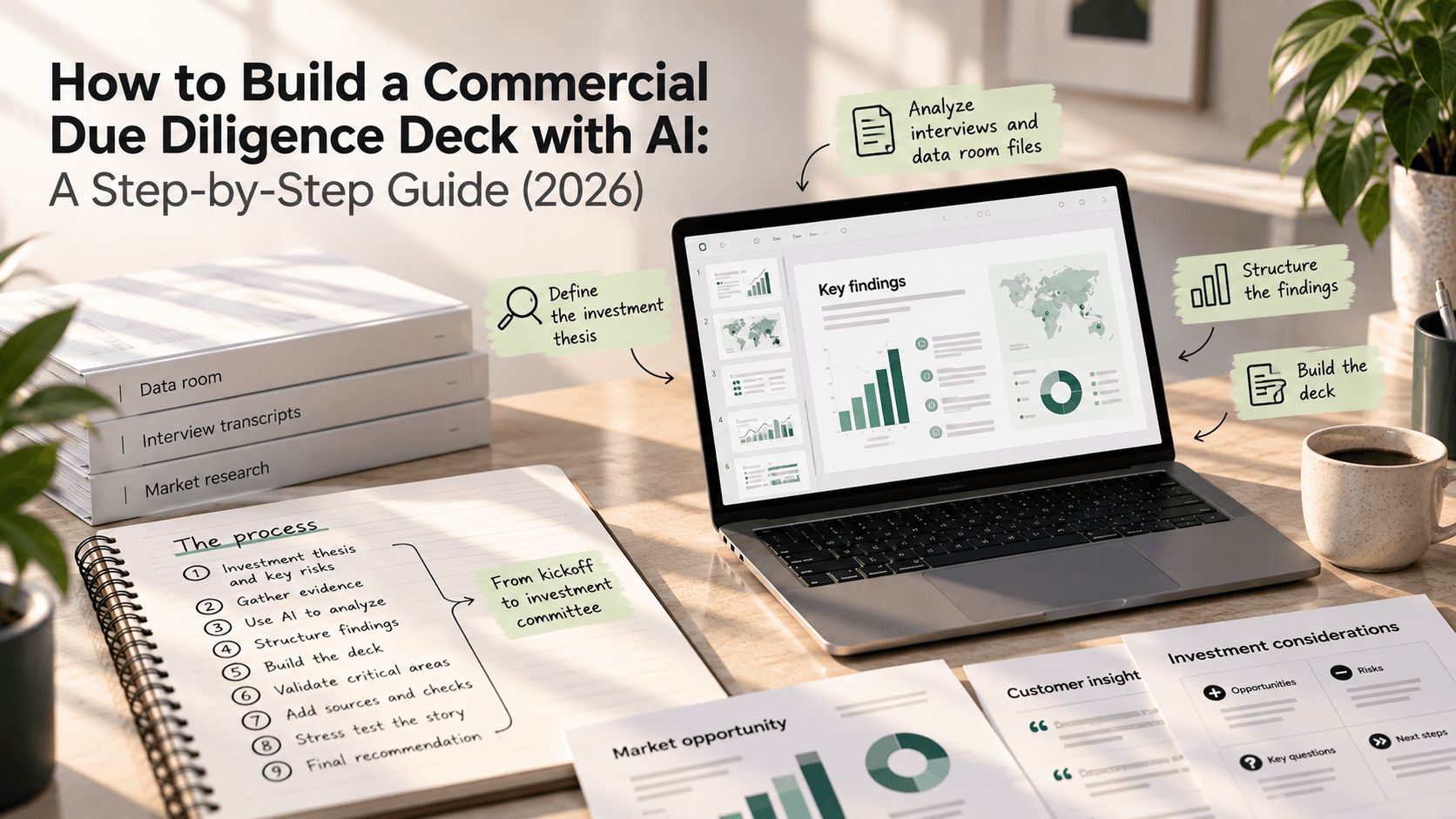
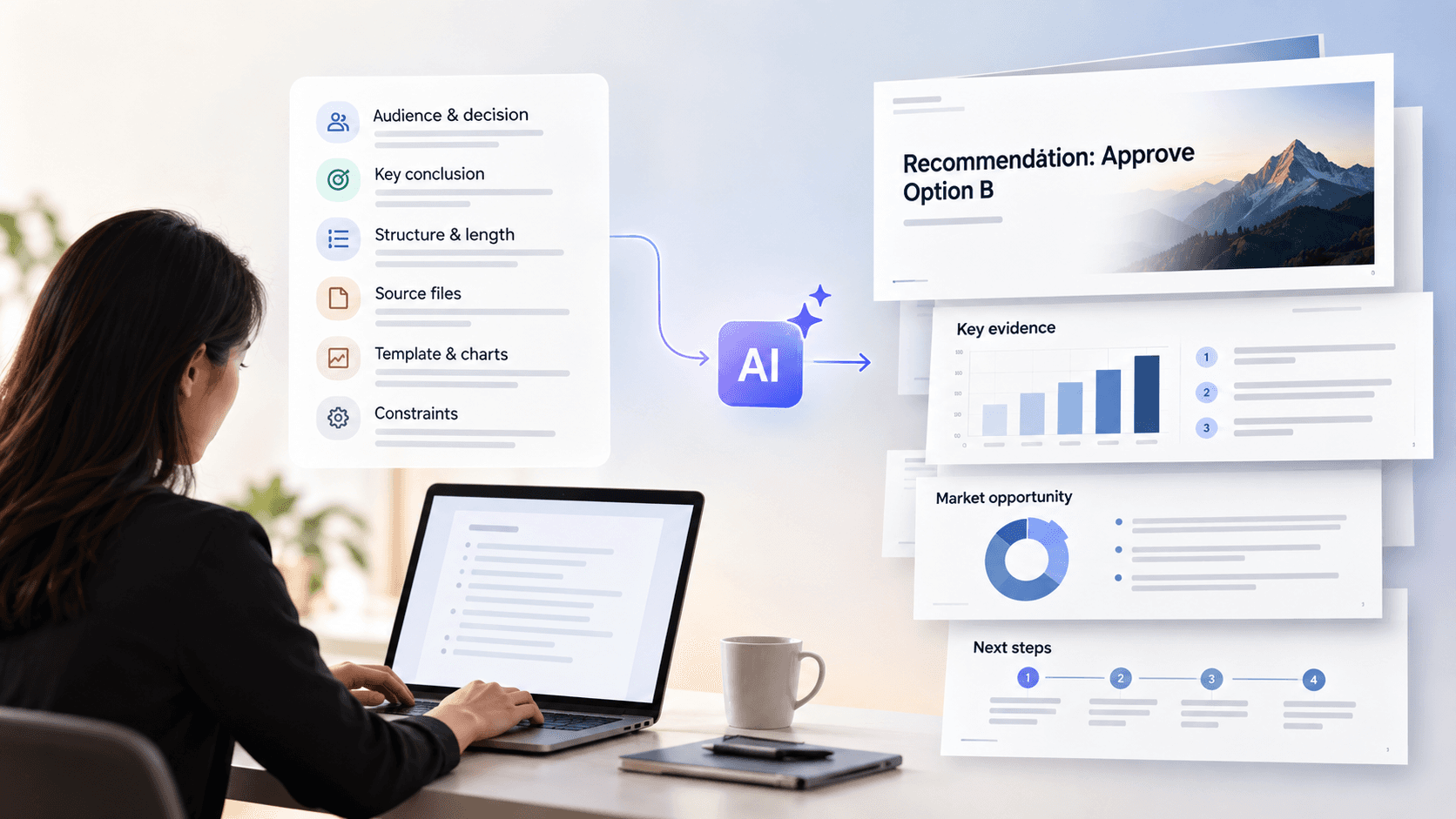
"Enterprise AI" isn't one product. It's eight different jobs — a general assistant, search across your company's data, research, coding, customer support, building decks, capturing meetings, and automating work. The best tool for each is different, and most companies end up running several at once.
This guide names the leaders in each category, with the price linked to each vendor's own pricing page and one honest limitation for every tool.
The short answer: For a general AI assistant, ChatGPT Enterprise and Claude Enterprise lead — or Microsoft 365 Copilot and Google Gemini if your company already runs on Microsoft or Google. For searching across your company's own apps and files, Glean leads. For research with cited sources, Perplexity Enterprise. For AI coding, GitHub Copilot, Cursor, and Claude Code lead. For AI customer-support agents, Intercom Fin, Sierra, and Decagon. For building decks, Perceptis AI is the top pick for client- and board-ready work, with Gamma the runner-up for casual, web-shared slides. For meetings, Fireflies, Granola, and Otter. For automation, Zapier.
Key takeaways — bottom line up front
There's no single "best" enterprise AI tool — only a best tool per job. Pick by the category you actually need, not by the brand with the loudest name.
The two biggest enterprise AI budgets go to coding assistants and customer-support agents. If you're prioritizing spend, GitHub Copilot, Cursor, and Claude Code lead on coding, and Intercom Fin, Sierra, and Decagon lead on support — most of them priced by usage or outcome, not a flat seat fee.
For client- and board-ready decks, Perceptis AI leads. It builds the argument (conclusion first, MECE structure, insight-led titles), ties every claim to a source, and hands back an editable PowerPoint in your own template. Gamma is the runner-up — faster, but built for web-shared slides, not polished .pptx files.
The sticker price is rarely the real price. ChatGPT Enterprise, Claude Enterprise, Glean, Gemini Enterprise, and Zapier all charge for usage on top of the per-seat fee, so heavy users cost more than the headline number.
If you already run on Microsoft or Google, start there. Copilot lives inside Microsoft 365 and Gemini inside Google Workspace, so they're often the simplest place to begin if your work already lives in that ecosystem.
Security is the line between "enterprise" and "consumer." Every leader below meets the basics: SOC 2, single sign-on, and no training on your data. Confirm the details your own compliance team needs.
This guide is for the people who choose and pay for enterprise AI: IT and procurement, operations and strategy, finance, and the team leads running pilots. Every price links to the vendor's own pricing page; where a vendor keeps its enterprise price private, we say so and link the source of the reported estimate.
How we evaluated these tools
We included the category leaders enterprises actually shortlist, verified every price against the vendor's own page (or a dated third-party source where pricing is private), and gave each tool one honest limitation.
What qualified a tool for inclusion: genuine enterprise readiness (SOC 2 or equivalent, single sign-on, and a no-training-on-your-data commitment), real market adoption, and a clear best-fit use case in one of the eight categories.
What we excluded: consumer-only tools without enterprise controls, narrow point features already covered by a listed platform, and tools whose pricing or security we couldn't verify.
How we checked price: every price links to the vendor's own pricing page; where a vendor keeps enterprise pricing private, we say so and cite a dated third-party estimate. Prices were last verified in August 2026 — always confirm current numbers before buying.
How we rank within a category: by best fit for the job, not by crowning one overall winner — most companies run several tools across categories.
What are the best general-purpose AI assistants?
Summary: ChatGPT Enterprise and Claude Enterprise are the strongest standalone AI assistants. If your company already runs on Microsoft 365 or Google Workspace, Copilot or Gemini is often the simplest place to start, since the AI lives in the apps you already use.
A general assistant is the AI chat tool your whole team uses to draft, summarize, analyze, and answer questions, connected to your company's data. Four options lead, and which one fits depends mostly on which software your company already runs.
1. ChatGPT Enterprise
Best for: A capable, general assistant for the whole company, especially if you're not tied to Microsoft or Google.
ChatGPT Enterprise is OpenAI's business version of ChatGPT. It removes usage limits, adds admin controls, and connects to your company tools (Slack, Google Drive, SharePoint, and more). It meets the main enterprise security standards (SOC 2 Type 2, ISO 27001, single sign-on) and doesn't train on your data.
Price: ChatGPT Business is $20 per user/month billed annually ($25 billed monthly, 2-seat minimum), after OpenAI's April 2026 price cut (OpenAI pricing page). ChatGPT Enterprise is quote-only — OpenAI doesn't list a price; independent 2026 procurement reports put it around $60 per seat/month with a reported ~150-seat minimum (Inference.net analysis).
Limitation: The real cost depends on usage, and Enterprise's reported ~150-seat minimum puts it out of reach for smaller teams.
2. Claude Enterprise
Best for: Complex, high-context work — long documents, large codebases, detailed analysis — where careful reasoning and tight data controls matter.
Claude Enterprise is Anthropic's business version of Claude, and it includes Claude Code and Cowork. It's known for careful reasoning and a large context window, meaning it can work across very long documents in one go. It comes with single sign-on, audit logs, and no training on your data, and meets SOC 2 Type II and other enterprise standards.
Price: $20 per seat/month billed annually, plus usage charged at standard rates (Anthropic pricing page). The seat fee covers access; what your team actually runs is billed on top.
Limitation: Because usage is billed separately, a heavy user costs well above the $20 seat fee.
3. Microsoft 365 Copilot
Best for: Companies already working in Microsoft 365 that want AI inside Word, Excel, PowerPoint, Outlook, and Teams.
Microsoft 365 Copilot is Microsoft's AI built directly into the Office apps, grounded in your company's own documents and data. If your team already lives in Microsoft 365, it's the most natural fit.
Price: $30 per user/month as the enterprise add-on (Microsoft pricing page). Copilot is an add-on, so you also need a paid Microsoft 365 plan underneath it — which makes the real cost per person higher than $30 alone. (The smaller-business Copilot tier is $21 per user/month, currently discounted to $18 through Sept 30, 2026, per the Microsoft pricing page.)
Limitation: It's strongest inside Microsoft and weaker with non-Microsoft tools, and it only makes sense if you already pay for Microsoft 365.
4. Google Gemini
Best for: Companies that run on Google Workspace and want AI inside Gmail, Docs, Sheets, Slides, and Meet.
Google folded its Gemini assistant directly into Google Workspace, so there's no separate AI add-on to buy — it comes with the plan.
Price: Gemini is now included in Google Workspace plans (Business Standard is about $14 per user/month), rather than sold separately (Google Workspace pricing page).
Limitation: The value is tied to working inside Google Workspace, and because Gemini is bundled, every seat pays for it whether the person uses it or not.
Note — the "other" Gemini: Google also sells a separate product confusingly called Gemini Enterprise — an AI agent-and-search platform (formerly Agentspace). It's a different purchase from the Gemini inside Workspace, and it's covered in the search section below.
What are the best AI tools for searching your company's apps and files?
Summary: These tools index your company's own apps, documents, and messages so employees can find and get answers from internal knowledge (respecting each person's permissions) — distinct from an AI research tool, which answers questions from the web with citations. Glean is the strongest option for large companies with many apps. Amazon Q Business is the best fit if your systems run on AWS. Google's Gemini Enterprise is the option for Google Workspace companies that also want to build AI agents.
Enterprise search connects all your scattered apps — email, chat, docs, tickets, CRM — into one place where employees can find answers, with each person only seeing what they're allowed to. This is where "enterprise AI" most clearly separates from a consumer chatbot.
1. Glean
Best for: Large companies where information is spread across dozens of tools and finding it wastes real time.
Glean (glean.com) is an enterprise AI search platform. It connects to 100-plus company apps — Slack, Google Workspace, Salesforce, Jira, and more — and lets people search across all of them at once, respecting each person's existing permissions. (Note: don't confuse it with glean.ai, an unrelated invoice-automation tool.)
Price: Glean doesn't publish pricing. Based on 2026 buyer reports, expect roughly $40–$50+ per user/month, usually with a ~100-seat minimum, and AI/agent features as a paid add-on (GoSearch pricing analysis). Contact Glean for a quote.
Limitation: Pricing isn't public, and setup takes real work — connecting and tuning your data usually needs a dedicated person or two, so it's slower to launch than a self-serve tool.
2. Amazon Q Business
Best for: Companies that run their systems on Amazon Web Services (AWS) and want a search assistant with simple, low pricing.
Amazon Q Business is AWS's enterprise assistant and search tool. It connects to your data sources and answers questions, with each person's access permissions inherited straight from AWS.
Price: $20 per user/month (Pro) or $3 per user/month (Lite) (AWS pricing page). It connects to 40-plus data sources and is SOC 2 Type 2 and FedRAMP authorized.
Limitation: It works best inside AWS and assumes your data already lives there.
3. Google Gemini Enterprise
Best for: Companies on Google Workspace that want to search across their tools and build their own AI agents.
Gemini Enterprise (formerly Agentspace) bundles company-wide search, ready-made AI agents (for tasks like research and document Q&A), and a no-code builder for making your own agents. It connects to Google Workspace, Microsoft 365, Salesforce, and more. This is a separate product from the Gemini inside Workspace.
Price: Google Cloud lists Gemini Enterprise from about $21 per seat/month (Business edition), with heavier agent workloads billed by usage on top (Google Cloud pricing page).
Limitation: The usage charges for heavier agent work make the total cost harder to predict than a flat seat price.
What is the best AI research tool for cited answers?
Summary: Perplexity Enterprise is the standout for research — it answers questions from the web (and your files) with a citation on every claim, which is the job people confuse with enterprise search over internal data. If you already pay for ChatGPT, Claude, or Gemini, their built-in research modes may be enough on their own.
Perplexity Enterprise
Best for: Analysts and teams who need fast answers with a citation on every claim.
Perplexity is an answer engine: ask a question, get a sourced answer. The Enterprise version adds company-wide file search, admin controls, and a promise not to train on your data. It can draw on both the web and your internal files.
Price: Perplexity lists Enterprise Pro at $40 per user/month and a higher Enterprise Max tier at $325 per user/month for the largest deployments (Perplexity pricing page). Both are a little cheaper if billed annually.
Limitation: Perplexity is built for research, not for producing finished work — you'll still take its findings into a deck or document somewhere else. Its API is billed separately from seats.
One thing worth knowing: ChatGPT, Claude, and Gemini all include their own "deep research" modes that do similar multi-source research. If your team already pays for one of those, a separate research subscription may be optional.
What are the best AI coding assistants?
Summary: GitHub Copilot is the most widely adopted and easiest to roll out; Cursor is the AI-native editor developers reach for on heavy, multi-file work; Claude Code is the terminal agent for long, autonomous coding tasks.
Coding assistants are one of the two largest areas of enterprise AI spend. All three below meet enterprise security bars (SOC 2, SSO, and no training on your code on business tiers); most now bill some usage on top of the seat.
1. GitHub Copilot
Best for: Teams that want AI coding help inside the editors and GitHub workflow they already use.
GitHub Copilot adds AI code completion, chat, and agentic tasks across major IDEs and GitHub. It's the most widely adopted coding assistant, includes IP indemnity on business tiers, and doesn't train on your code.
Price: Free · Pro $10/mo · Business $19/user/mo · Enterprise $39/user/mo (Enterprise runs on GitHub Enterprise Cloud) (GitHub Copilot pricing). In June 2026, GitHub moved paid usage above base completions to a token-based "AI Credits" model.
Limitation: As a plugin layered onto your editor, it's less powerful than a full AI-native IDE for large multi-file refactors, and the new credit system makes heavy usage less predictable.
2. Cursor
Best for: Engineering teams doing heavy, repository-wide work who want an AI-native editor rather than a plugin.
Cursor is a full AI-native IDE with multi-model access (Claude, GPT, Gemini) and full-codebase context, strong at multi-file edits and refactors. It offers org-wide privacy mode, SAML SSO, SCIM, and SOC 2 Type II.
Price: Free (Hobby) · Pro $20/mo · Teams $40/user/mo (Standard) or $120 (Premium) · Enterprise custom (Cursor pricing). Paid plans include a monthly usage pool; frontier-model use beyond it bills on top.
Limitation: Costs can climb with heavy model usage beyond the included pool, and there's no self-hosted/on-prem option.
3. Claude Code
Best for: Developers running long, autonomous, multi-step coding tasks from the terminal.
Claude Code is Anthropic's agentic coding tool, known for careful reasoning and long-context work across large codebases; it also powers the code work inside Claude Enterprise.
Price: No free tier — included with Claude Pro ($20/mo), Max ($100–$200/mo), Team Premium seats, and Claude Enterprise, or via the Anthropic API billed per token (Anthropic pricing).
Limitation: Usage is metered against your plan's limits (or per-token on the API), so heavy autonomous runs can hit caps or add cost, and it's terminal-first rather than a full graphical IDE.
What are the best AI customer-support agents?
Summary: Intercom Fin is the most accessible, with public per-resolution pricing; Sierra and Decagon are the enterprise-scale platforms for high-volume consumer and B2B brands, sold on custom outcome-based contracts.
AI customer-support agents resolve customer conversations automatically across chat, email, and voice — the other category where enterprise AI spend is largest. Most are priced by outcome (you pay when the agent resolves an issue) rather than per seat, so the real cost tracks your ticket volume and resolution rate.
1. Intercom Fin
Best for: Teams that want a proven support agent with transparent, usage-based pricing — especially those already on Intercom.
Fin resolves customer questions across chat, email, and voice, and publishes a per-outcome price, making it one of the few agents you can budget from a spreadsheet. Intercom reports real-world resolution rates around 42–50%.
Price: $0.99 per resolution (lead qualification $9.99), with a 50-outcome monthly minimum; a standalone "Fin for platforms" plan is $49/month including 50 resolutions, and full Intercom seats run $29–$139/agent/month on top (Fin pricing).
Limitation: Per-resolution cost scales with volume and add-ons stack up; Salesforce agreed to acquire Intercom's Fin business (~$3.6B, June 2026, not yet closed), so weigh roadmap and packaging risk on a multi-year contract.
2. Sierra
Best for: Fortune-500-scale consumer brands that want an enterprise agent taking real action across systems, priced on outcomes.
Sierra, founded by Bret Taylor, is an enterprise AI agent that resolves conversations across chat, email, voice, SMS, and WhatsApp and acts in your systems. It raised $950M at a reported $15.8B valuation in 2026.
Price: No public pricing — outcome-based, reported around ~$1.50 per resolved interaction; third-party estimates put annual contracts near $150K+ with $50K–$200K implementation and 3–7-month deployments (Sierra). Contact sales for a quote.
Limitation: No self-serve or free trial, no built-in helpdesk (you keep a separate ticketing platform), and total cost is hard to forecast — the bill grows as the agent resolves more.
3. Decagon
Best for: High-volume consumer and B2B brands evaluating an enterprise support agent alongside Sierra.
Decagon is an enterprise AI support-agent platform for high-volume brands, valued around $4.5B in 2026. It doesn't include a helpdesk, so that platform cost stays separate.
Price: No public pricing; reported as a hybrid of an annual platform fee plus per-conversation charges — billed per conversation the agent handles, not only per successful resolution (Decagon). Contact sales for a quote.
Limitation: Per-conversation billing means you can pay for interactions that don't resolve, and like Sierra it's a custom enterprise commitment rather than a self-serve tool.
What are the best AI tools for building decks?
Summary: For decks that go in front of clients or a board, Perceptis AI is the clear leader — it builds the argument, sources every claim, and exports a real, editable PowerPoint in your template. Gamma is the runner-up: faster and more flexible, but built for casual slides shared as a web link, not polished .pptx files.
Two tools lead here, and they're built for different work.
1. Perceptis AI — the top pick for high-stakes decks
Best for: Strategy and corporate-development teams, investment banking and M&A, finance, and anyone whose deck has to hold up in an executive room.
Perceptis AI is built for business-grade decks: it structures the argument (conclusion first, MECE, insight-led titles), ties every fact back to a source you can defend slide by slide, and generates a native, editable PowerPoint straight into your company template — with charts and tables as real, editable objects, not flat pictures. You can reach it through the web app, a PowerPoint add-in, an API, and an MCP connector; it's SOC 2 Type II compliant and doesn't train on your data. Built by McKinsey and Apple alumni, it's used by 300+ strategy and consulting teams.
Price: Free (10 slides/month, no card) · $29/month Starter · $129/month Pro · $390/month Business (up to 20 seats) · custom Enterprise (Perceptis pricing page).
Limitation: Expect a little cleanup after generating, and Perceptis is built for presentations and proposals — not a general chat assistant, so it sits alongside a tool like ChatGPT rather than replacing it.
2. Gamma — the runner-up for fast, web-shared slides
Best for: Marketing, product, and internal teams that share decks as a live web link and want speed.
Gamma turns a prompt or file into a presentation, document, or website using a modern, card-based web format. It's fast, looks good, and reached 70M+ users in 2026.
Price: Free (limited) · Plus at $9/month billed annually ($12 monthly) · Business at $40 per seat/month (10-seat minimum), which adds single sign-on (Gamma pricing page). Enterprise pricing on request; Gamma is SOC 2 Type II certified.
Limitation: Gamma's web format doesn't map to real slides, so PowerPoint exports flatten the design into static images and lose their editability — a problem when the .pptx file is the actual deliverable for finance, legal, or client work.
What are the best AI meeting assistants?
Summary: Fireflies is best for teams that need meeting notes pushed into a CRM. Granola is best for private, bot-free personal notes. Otter is the budget pick for simple, real-time transcription.
One thing to know up front: some tools join the call as a visible "recording" participant (a bot), and some capture audio quietly from your own device. A bot-free tool matters when a visible recorder in the meeting would be awkward — sensitive internal talks or client calls where you'd rather not announce that everyone is being recorded.
1. Fireflies
Best for: Sales and client teams that want call notes to land automatically in Salesforce or HubSpot.
Fireflies records, transcribes, and summarizes meetings across Zoom, Meet, and Teams, and its strength is deep CRM integration. It supports 100-plus languages.
Price: Free · Pro at $10 per seat/month (billed annually) · Business at $19 · Enterprise at $39, which adds HIPAA and custom data retention (Fireflies pricing page).
Limitation: Its most useful AI features run on a credit system that can add cost for heavy users. And Fireflies sends a bot into the call that shows up as a visible participant — so everyone can see the meeting is being recorded.
2. Granola
Best for: Founders, executives, and consultants who want clean personal notes without a bot in the room.
Granola captures audio from your own device — no bot joins the call — and turns your rough notes into clean summaries. It's popular with people who want discretion.
Price: Free (basic) · Business at $14 per user/month · Enterprise at $35 per user/month, which adds single sign-on and turns off model training for the whole team (Granola pricing page). It's SOC 2 Type 2 certified.
Limitation: It's built for individuals, so notes stay on one machine unless shared; it has no HIPAA option; and below the Enterprise tier you have to opt out of model training yourself.
3. Otter
Best for: Teams that want cheap, reliable transcription and real-time notes.
Otter is a transcription and notes tool known for live capture and a clean, simple interface.
Price: Paid plans start around $8.33 per seat/month (annual Pro), with Business near $20 and Enterprise on request (Otter pricing page).
Limitation: It focuses on English, doesn't record video on its own, and its sales-call analysis is lighter than Fireflies.
What are the best AI automation tools?
Summary: Zapier connects to more apps than anything else and is the easiest to start with. Make is cheaper at high volume. n8n is the open-source option you can host yourself.
1. Zapier
Best for: Operations, marketing, and IT teams that want to automate across many apps without writing code.
Zapier connects 8,000-plus apps and runs multi-step workflows between them automatically. It now adds AI agents, an AI assistant, and a connector that lets ChatGPT or Claude take actions across your apps.
Price: Free (100 tasks/month) · Professional from $19.99/month · Team at $69/month (up to 25 users, single sign-on) · Enterprise custom (Zapier pricing page). It's SOC 2 Type II certified.
Limitation: Its per-task pricing can climb fast for high-volume, multi-step workflows, and it's cloud-only (not suitable for HIPAA or strict data-residency needs).
2. Make
Best for: Teams that want a visual builder and lower cost at higher volumes.
Make is a visual, drag-and-drop automation tool built for more complex, branching workflows.
Price: Starts around $9/month (Make pricing page); generally cheaper than Zapier at scale, though it connects to fewer apps.
Limitation: Make takes longer to learn than Zapier, and its app library is smaller.
3. n8n
Best for: Technical teams that need data control, custom logic, or to avoid per-task cloud pricing.
n8n is an open-source automation platform you can run on your own servers for full data control. Like Zapier, it connects apps and runs multi-step workflows, but you host it yourself.
Price: Free self-hosted community edition, plus paid cloud and enterprise tiers (n8n pricing page).
Limitation: It needs technical setup and upkeep, and has fewer ready-made app connections than Zapier.
Enterprise AI software compared (2026)
Every tool is grouped by category below, with the starting price linked to each vendor's own page and one honest limitation. Perceptis AI leads the deck-building category because it's the pick for the highest-stakes work. Usage-based tools show the seat price only; confirm current numbers on each vendor's page before buying.
Tool | Best for | Starting price (2026) | Key limitation |
|---|---|---|---|
General-purpose assistants | |||
ChatGPT | Broad use, not tied to MS/Google | $20/user/mo annual (Business); Enterprise quote-only (~$60/seat reported) | Usage-based; Enterprise ~150-seat min |
Claude | Complex, long-context work, coding | $20/seat/mo + usage | Usage billed on top of the seat |
Microsoft 365 Copilot | Companies already on Microsoft 365 | $30/user/mo + Microsoft 365 license | Needs a paid Microsoft 365 plan too |
Google Gemini | Companies on Google Workspace | Included in Workspace (~$14/user/mo and up) | Every seat pays whether used or not |
Search across company apps & files | |||
Glean | Large companies with many apps | ~$40–$50+/user/mo (reported), ~100-seat min | No public price; setup takes work |
Amazon Q Business | Companies running on AWS | $20/user/mo (Pro); $3 (Lite) | Best inside AWS |
Google Gemini Enterprise | Google Workspace + building agents | From $21/seat/mo + usage | Usage charges add cost on top of the seat |
Research (cited answers) | |||
Perplexity Enterprise | Cited, traceable research | $40/user/mo (Enterprise Pro) | Research only; no docs or automation |
AI coding assistants | |||
GitHub Copilot | AI coding in your existing editor/GitHub | Free; Pro $10/mo; Business $19/seat/mo; Enterprise $39/seat/mo | Plugin, not full IDE; usage credits since June 2026 |
Cursor | AI-native IDE for heavy multi-file work | Free; Pro $20/mo; Teams $40/seat/mo ($120 Premium) | Model usage adds cost; no on-prem |
Claude Code | Autonomous, long-context terminal coding | Incl. w/ Claude Pro $20/mo, Max $100–$200; or API per token | Metered vs plan limits; terminal-first |
Customer-support agents | |||
Intercom Fin | Proven support agent, transparent pricing | $0.99/resolution (50/mo min); "Fin for platforms" $49/mo | Cost scales with volume; Salesforce acquisition pending |
Sierra | Enterprise agent for large consumer brands | No public price (~$1.50/resolution reported); custom | No helpdesk; hard to forecast; no self-serve |
Decagon | Enterprise support for high-volume brands | No public price; platform fee + per-conversation | Bills per conversation, not only resolutions |
Deck building | |||
Perceptis AI | Client- and board-ready decks | Free; $29/mo and up; Enterprise custom | Light cleanup after generating |
Gamma | Fast, web-shared slides | Free; Plus $9/mo; Business $40/seat/mo | PowerPoint export flattens to images |
Meetings | |||
Fireflies | Team notes into a CRM | $10/seat/mo (Pro) | Credit system; visible bot in the call |
Granola | Private, bot-free notes | $14/user/mo (Business) | Individual-focused; no HIPAA |
Otter | Cheap live transcription | ~$8.33/seat/mo (Pro) | English-focused; no native video |
Automation | |||
Zapier | Most app connections, easiest start | Free; Professional from $19.99/mo | Task cost climbs; cloud-only |
Make | Cheaper automation at scale | From ~$9/mo | Harder to learn; fewer apps |
n8n | Open-source, self-hosted | Free (self-hosted) | Needs technical setup |
How to choose enterprise AI software
Summary: Start from the job you need to do, check the security basics, price the usage as well as the seat, and pilot on one real task before you buy.
Start from the job, not the brand. Decide which of the eight categories you actually need, then shortlist the leaders there. Most companies end up running several.
Check the security basics. SOC 2 Type II, no training on your data, single sign-on, and audit logs are the floor. Every leading tool here offers most of them — confirm the details against your own requirements.
Price the usage, not just the seat. ChatGPT Enterprise, Claude Enterprise, Glean, Gemini Enterprise, and Zapier all add usage charges on top of the seat, and coding assistants and support agents are usually billed by usage or per outcome, so model a heavy user.
Match your existing stack. Copilot is the natural fit for Microsoft companies, Gemini for Google companies, Amazon Q for AWS companies — but only if your work already lives there.
Pilot on one real task. Run an actual board deck, a real search across your messiest files, or a live sales call through your shortlist, and measure the cleanup each tool leaves behind.
Frequently asked questions
What is the best enterprise AI software in 2026? It depends on the job. ChatGPT Enterprise and Claude Enterprise lead for general assistants; Glean for company-wide search across your apps and files; Perplexity Enterprise for cited research; GitHub Copilot, Cursor, and Claude Code for coding; Intercom Fin, Sierra, and Decagon for customer support; Perceptis AI for client- and board-ready decks; Fireflies, Granola, and Otter for meetings; and Zapier for automation. Most companies run several of these together.
How much does enterprise AI software cost in 2026? Roughly $3 to over $100 per user/month, plus usage in many cases. Amazon Q Business is $20/user/month (Lite $3); Claude Enterprise is $20/seat/month plus usage; Microsoft 365 Copilot is $30/user/month on top of a Microsoft 365 license; Perplexity Enterprise and Glean are around $40–$50/user/month; and ChatGPT Enterprise is quote-only (reported near $60/seat). Coding assistants run about $10–$39/user/month (GitHub Copilot $10–$39, Cursor $20–$40+); customer-support agents are usually priced by outcome — Intercom Fin at $0.99/resolution, with Sierra and Decagon on custom enterprise contracts. Meeting and automation tools are cheaper, starting near $8–$20 per seat. Confirm current pricing on each vendor's page.
What is the best AI tool for building client-ready decks and proposals? Perceptis AI. It builds the argument (conclusion first, MECE structure, insight-led titles), sources every claim, and exports an editable PowerPoint in your own template — not a locked or downgraded file. Gamma is the faster alternative for casual, web-shared slides, but its PowerPoint exports flatten into images. General assistants like ChatGPT and Copilot can draft slide text, but they produce a generic deck, not a defensible, on-template one.
What's the difference between an AI assistant and AI search? An assistant (ChatGPT, Claude, Copilot) is a general tool for drafting, analysis, and Q&A. Enterprise search (Glean, Amazon Q Business, Gemini Enterprise) indexes all your company's apps so employees can find and reason over internal knowledge, seeing only what they're allowed to. Many companies run both, plus category tools for decks, meetings, research, coding, support, and automation.
Do enterprise AI tools train on your company data? The major enterprise plans don't train on your data by default — including ChatGPT Enterprise, Claude Enterprise, Microsoft 365 Copilot, Glean, Perplexity Enterprise, and Perceptis AI. Some tools, like Granola, default to opt-out below the enterprise tier, so always confirm the setting for the plan you're buying.
About the author
Askhat Zhussipov is Director of Customer Success & AI Enablement at Perceptis AI. A former McKinsey & Company consultant with earlier leadership experience at Schlumberger, he now leads the team driving product, quality, and customer support to help professionals create MBB-grade business slides.