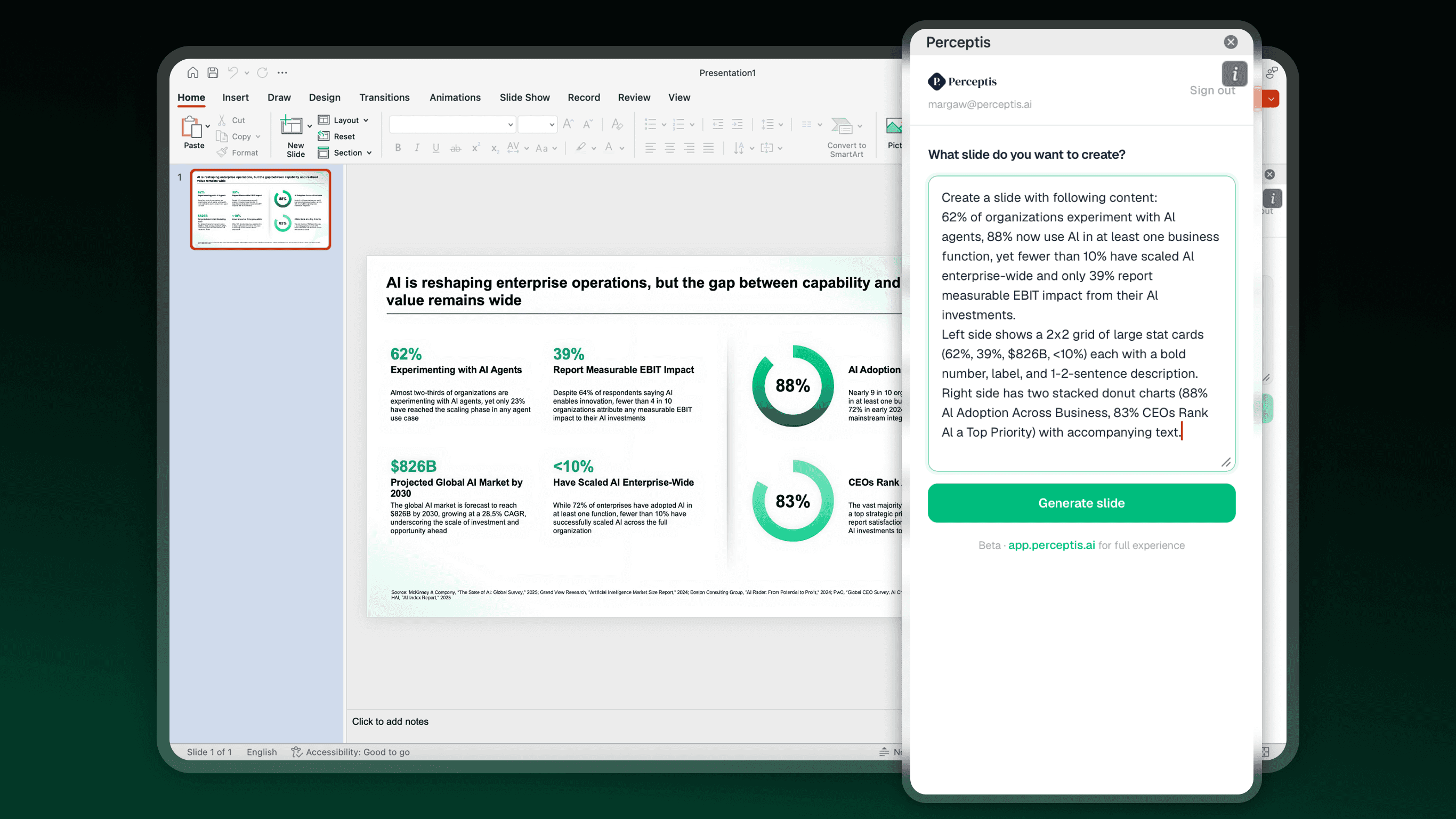
PowerPoint add-in
Create business-grade slides
inside PowerPoint
Install once from Microsoft Marketplace. Then just open PowerPoint, describe what you need, and get a finished slide in seconds. Now in Beta.

Available on Microsoft Marketplace
How it works
01
Go to Microsoft Marketplace
Search "Perceptis" or click "Get the add-in" below.
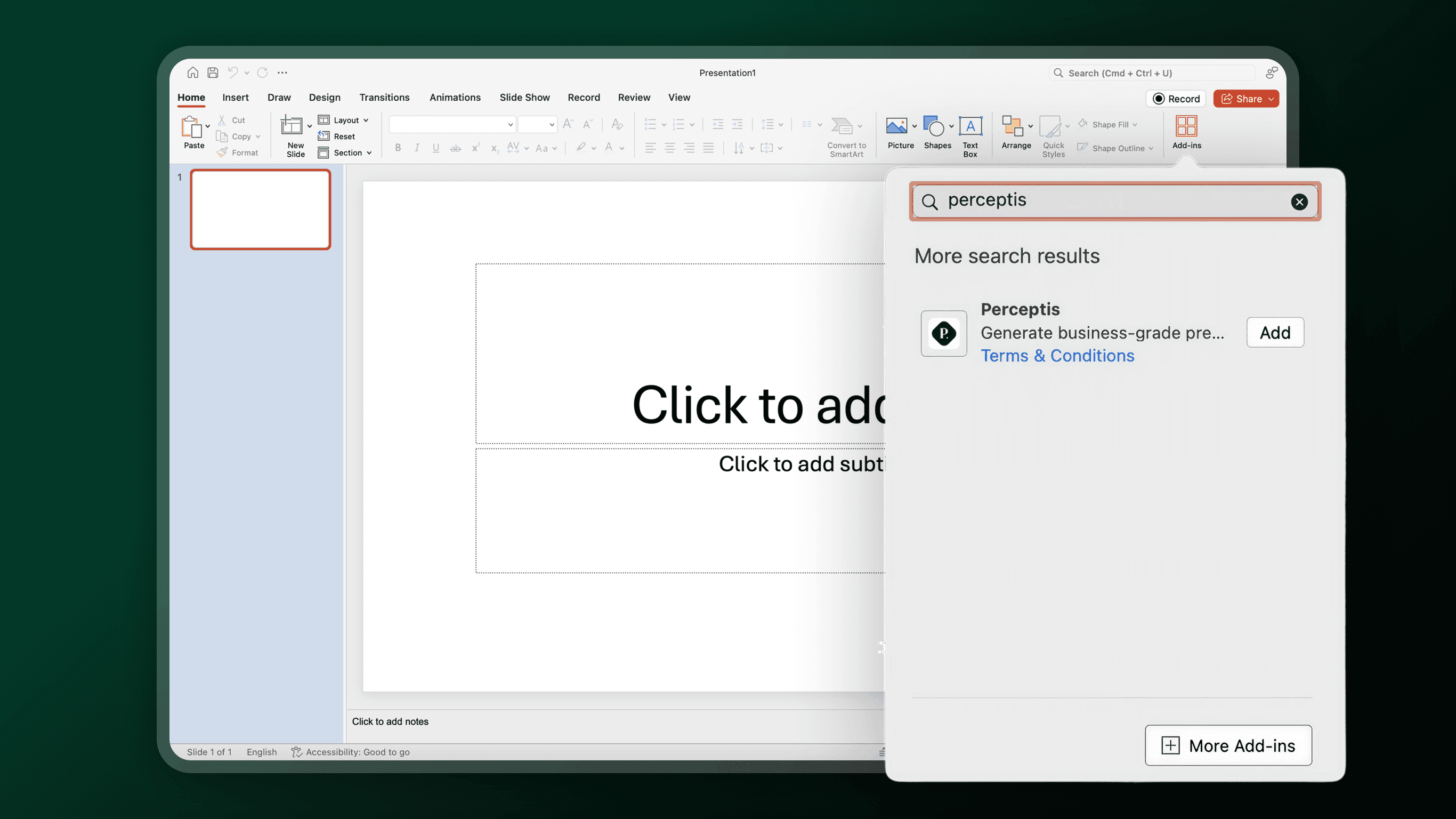
02
Open in PowerPoint
Click "Get it now" — the add-in installs automatically and appears in your ribbon, as long as you're signed in to both Microsoft Office and Perceptis.
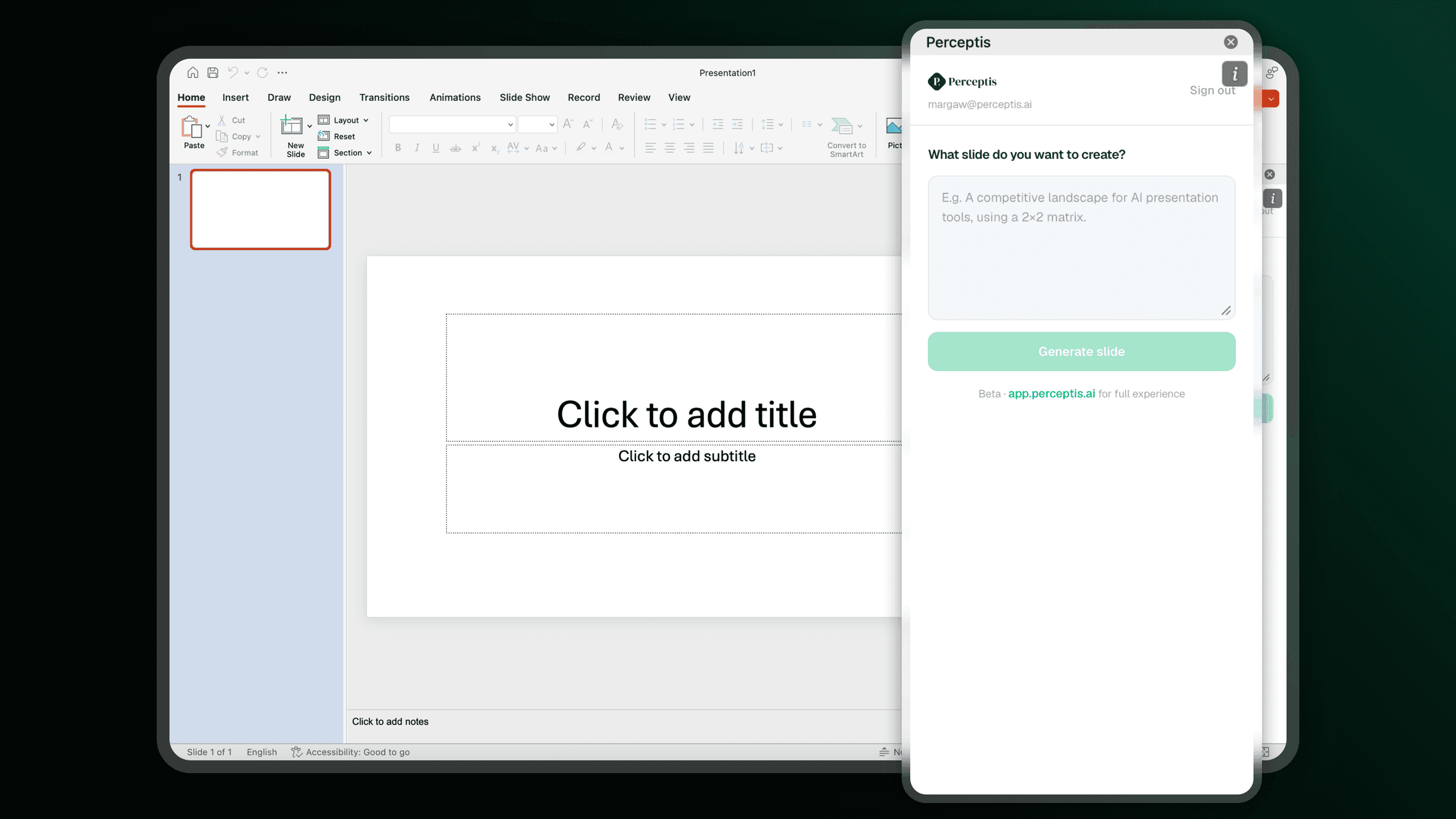
03
Paste your prompt, get your slide
Describe what you need. Your slide is inserted into your presentation in seconds.